
WatchTeams
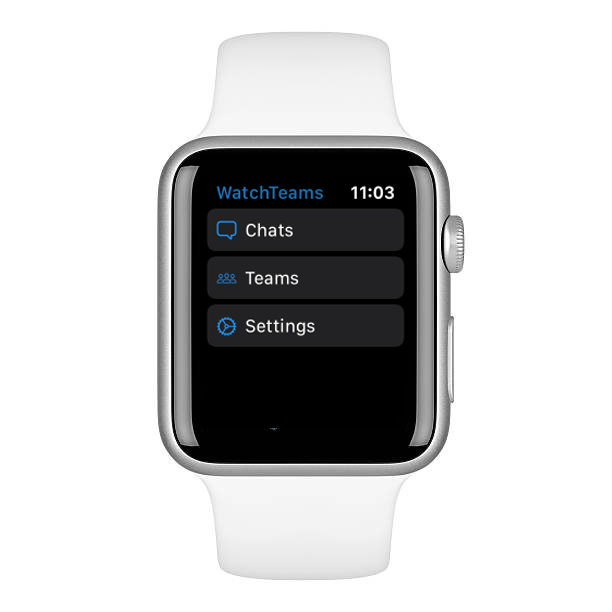
Microsoft Teams on your wrist
WatchTeams 2.0 is back. Read chats, glance at your calendar, and stay in the loop without digging for your phone. Found us via Microsoft Marketplace? Employees install below; IT approves on that listing.
Two steps. Then the whole company can use it.
Most work accounts need a one-time Microsoft admin approval. That is normal security — not a broken install.
-
1
You install WatchTeams
Sign in on iPhone once. The Watch keeps working on its own over Wi‑Fi or cellular.
-
2
IT approves once
Your admin grants tenant consent in Microsoft Entra. After that, colleagues sign in without the blocker.
Forward this to your IT admin
Copy the email, paste your name, and send. Or share the IT brief link.
Copied
Why IT usually says yes
- Listed on the official Microsoft Marketplace
- No WatchTeams servers — Graph data stays between Microsoft and the device
- Revocable anytime from Entra enterprise applications
- Scoped permissions for chats, calendar, and optional Teams channels